Admin panel#
Administrator view (panel) refers to the set of functionalities for web-based management of the content and configuration of an instance of the MINERVA Platform.
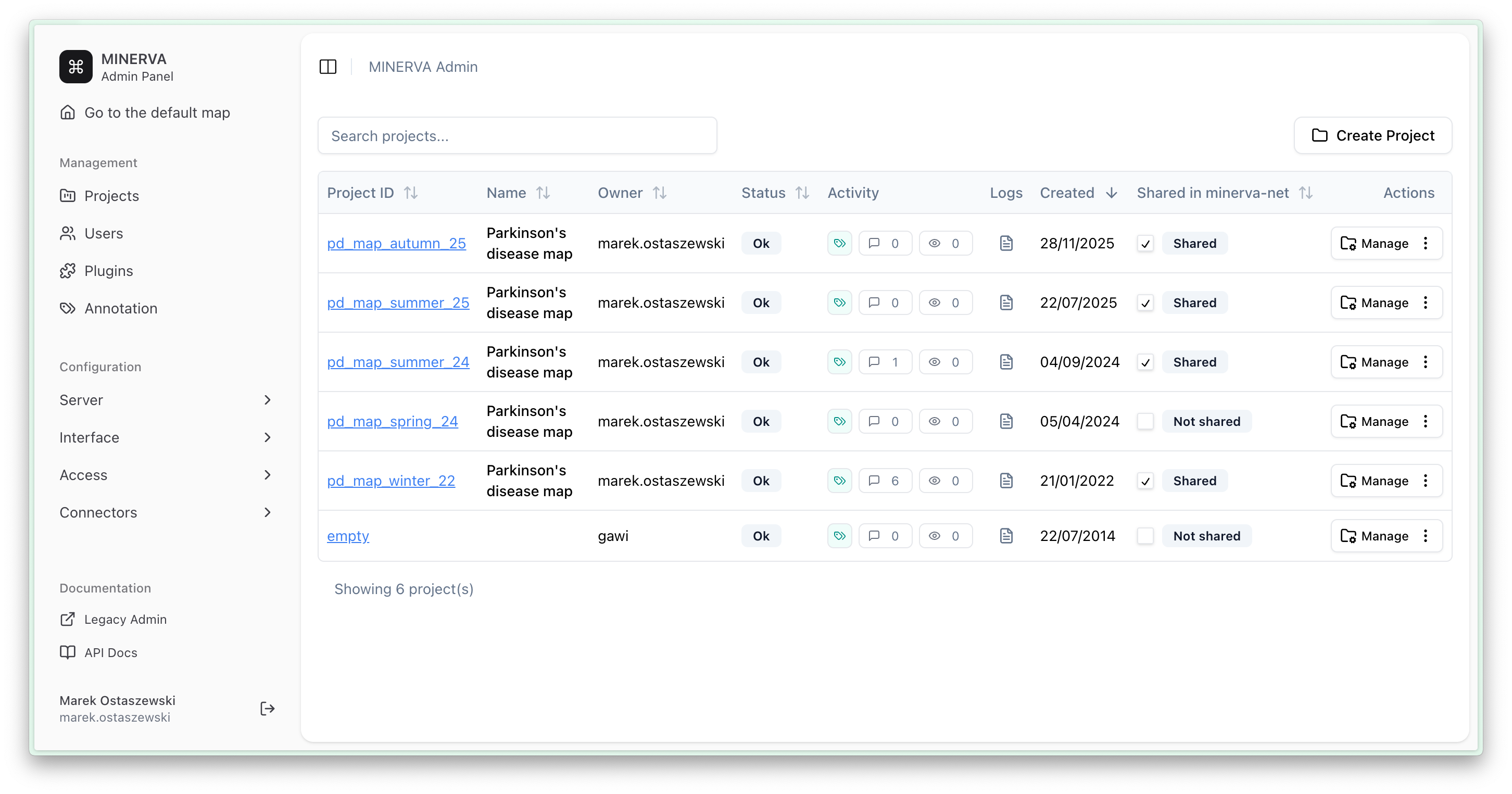
Multiple projects (simple or advanced maps) can be hosted in parallel on a single MINERVA instance. These projects are accessible via hyperlinks in the Project ID column. In Administrator panel, you can view or manage hosted projects, depending on your privileges (user, curator, admin).
Administrator panel is shown below. Using the left panel, you can manage Projects, Users, Plugins, Annotation settings, and Configuration.
Access to Rest API documentation and registration in MINERVA-NET service.
User Login#
Administrator view is accessible after logging in by clicking on the login icon  in the top left corner of the map. Then users can either go to the admin panel right away (left) or access the admin panel using the login icon (right).
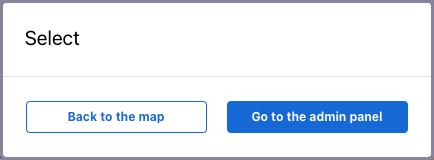
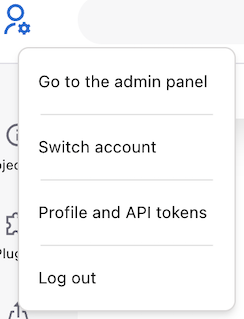
There are two ways to sign in to MINERVA platform for admin users: